Demystifying DMX Programming: A Beginner's Guide
Welcome to a comprehensive guide on DMX and DMX programming, tailored for beginners. In this tutorial, we will unravel the complexities of DMX, exploring the fundamental concepts and techniques necessary to master this essential aspect of stage lighting.
Understanding DMX Setup
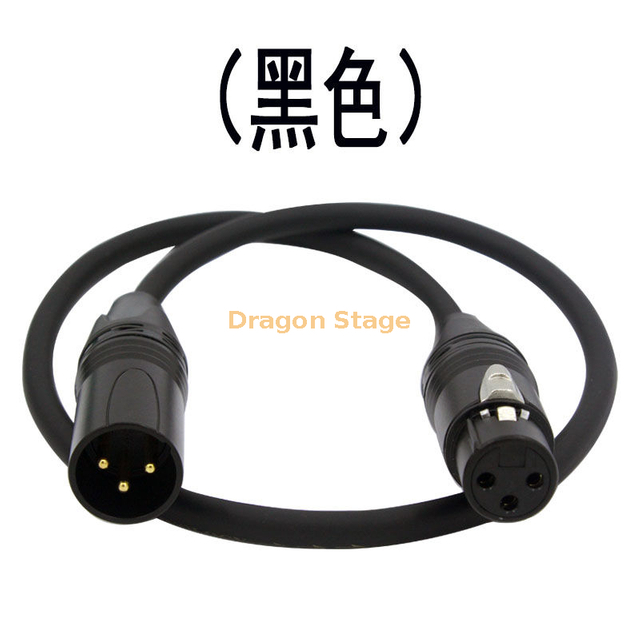
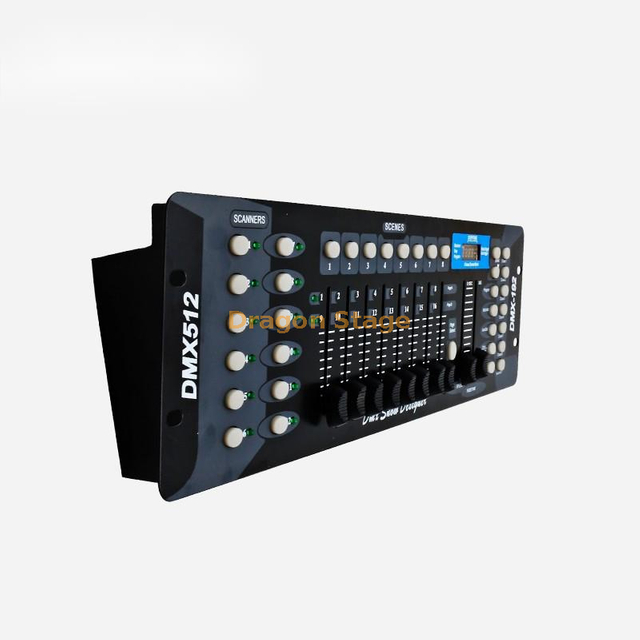
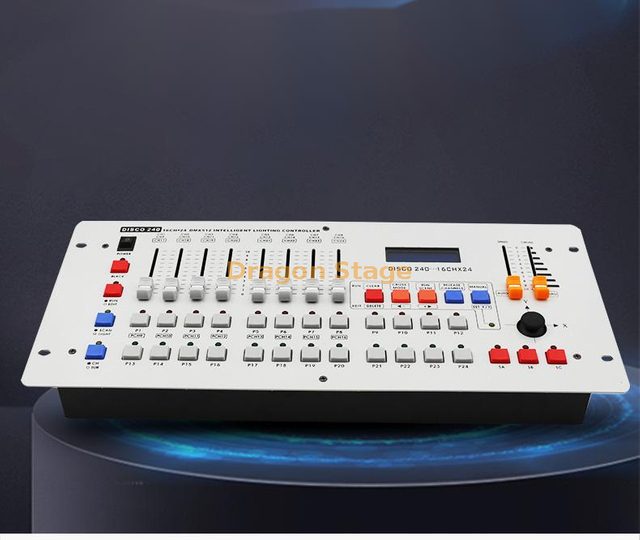
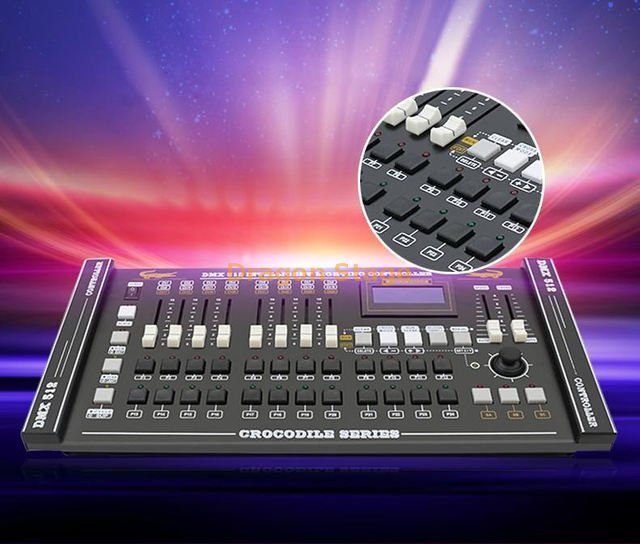
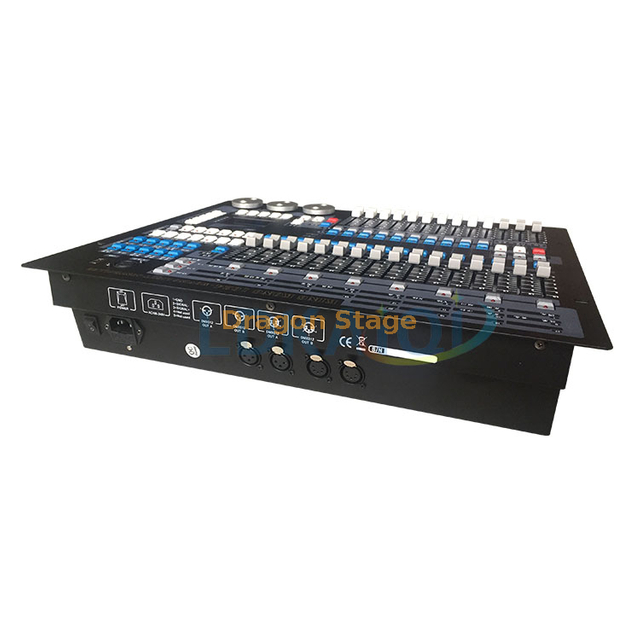
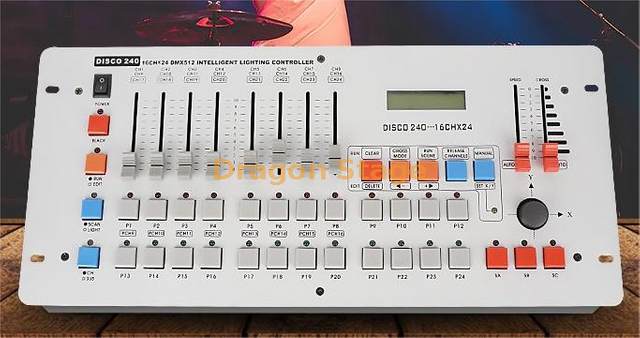
DMX, short for Digital Multiplex, serves as the industry standard for controlling lighting equipment and special effects. At its core lies the DMX controller, the device responsible for communicating with fixtures through XLR cables, akin to microphone cables. These controllers transmit signals to lights, dictating their colors and functions.
During the setup phase, lights are connected in a daisy chain configuration using DMX cables. Each fixture possesses an input and an output, allowing for a seamless connection between them. The starting address assigned to each fixture determines the specific DMX channel used by the controller to communicate with the fixture. For instance, a fixture with a starting address of DMX channel 17 will respond to channels 17, 18, 19, 20, 21, and 22.
Programming Basic Scenes
Let's consider a scenario where we have a basic RGB lamp as our fixture, featuring channels for red, green, blue, and additional functions like strobing.
1. Setting Up Colors: To create a scene, specific colors are chosen for the fixture. For example, to emit a red light, the red channel is set to maximum, while the green and blue channels are set to minimum.
2. Programming Scenes: Once the desired color is achieved, it can be programmed as a scene. Scenes serve as predefined looks for the lights, allowing users to switch between different colors effortlessly.
3. Expanding to Multiple Fixtures: For more intricate setups involving multiple fixtures, each fixture should have its starting address configured correctly to match the controller's channels. Various colors can then be programmed for each fixture and saved as distinct scenes.
Creating Chases
A chase entails a sequence of scenes played in a specific order. Here's a step-by-step guide on creating a chase:
1. Programming Scenes: Begin by programming the individual scenes you wish to include in your chase.
2. Setting Up the Chase: Access the chase function on your controller and select the scenes you've programmed in the desired order. These scenes will play sequentially as part of the chase.
3. Adjusting Speed and Fade Time: To add depth to your lighting effects, you can control the speed of the transitions between scenes and the fade time, determining how quickly the lights change from one scene to the next.
Conclusion
In summary, DMX programming involves understanding your fixtures, configuring their starting addresses, creating scenes with specific colors, and organizing these scenes into chases for dynamic lighting displays. This tutorial has provided a foundation for grasping the basics of DMX, empowering you to experiment, learn, and craft captivating light shows for various events and stage performances. Happy programming!
Related Articles
Learn more about stage lighting systems, fixture selection, and lighting design:
Frequently Asked Questions
What is DMX512?
DMX512 is the industry-standard digital communication protocol used to control stage lighting, moving lights, dimmers, fog machines, and other entertainment equipment from a lighting controller.
How many DMX channels are available?
A single DMX universe contains 512 control channels. Each lighting fixture occupies a certain number of channels depending on its functions.
What is a DMX address?
A DMX address is the starting channel assigned to a fixture. The controller uses this address to send commands such as brightness, color, pan, tilt, gobo selection, and strobe effects.
Can multiple lights share the same DMX address?
Yes. Fixtures with the same starting address will respond identically, making them useful when synchronized lighting effects are required.
What cable is used for DMX lighting?
Professional DMX systems use 3-pin or 5-pin XLR DMX cables specifically designed for digital signal transmission. Standard microphone cables may work over short distances but are not recommended for professional installations.
What is the difference between a scene and a chase?
A scene is a single preset lighting look, while a chase is a programmed sequence of multiple scenes that play automatically to create dynamic lighting effects.